691_24536_2
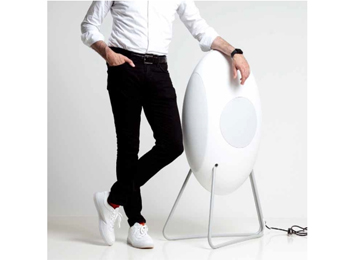
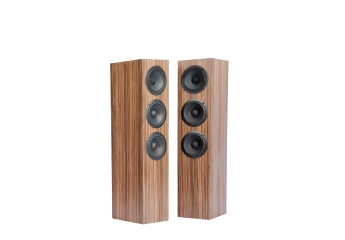
Topthema: Aktiv-Standlautsprecher · Loutd musegg
Kaufen oder leihen
„Drum prüfe, wer sich ewig bindet ...“ heißt es in Schillers Glocke. In der High Fidelity stellte sich eine solche Frage bisher nicht. In der Regel ging man zum Händler und tauschte Geld gegen Ware.
>> Mehr erfahren>> Alle anzeigen
728_0_3
Anzeige
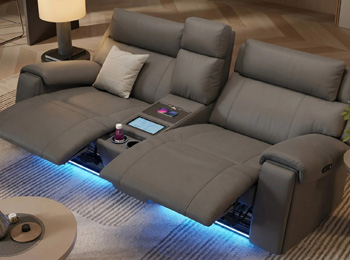
Topthema: Das ultimative Heimkino-Erlebnis
Kino-Sofas für Ihr Zuhause
Funktionssofas von Sofanella vereinen 4D-Technologie mit Premium-Komfort. Genießen Sie ergonomisches Sitzen in Ihrem Wohnzimmer.
>> Mehr erfahren>> Alle anzeigenKategorie: Profi- / Musiker-Equipment
Ausstattungsliste: Apogee GiO
Ausstattung & technische Daten
| Specifications | |
| Features | The best way to plug your guitar into your Mac |
| Unbalanced 1/4” high impedance instrument input | |
| 1/4” MIDI Expression pedal input | |
| Line-level, 1/4” stereo output for headphones, powered monitors or an instrument amplifier | |
| A/D and D/A conversion @ 44.1/48kHz, 24-bit | |
| 5 Stompbox buttons, dynamically color coded to match software effects | |
| 5 Transport control buttons, dynamically lit when engaged | |
| 2 “Previous/Next” preset selection buttons | |
| Control built into Apple’s GarageBand ’09, Logic Pro 9, and MainStage 2 software | |
| Dimensions: 7″ W x 18″ L x 2.5″ H | |
| System Requirements Mac OS | Computer: Mac, with an Intel or PowerPC G5 processor |
| Memory: 1 GB minimum of installed RAM, 2 GB recommended | |
| OS: 10.5.7 or greater | |
| Apple’s GarageBand ’09, Logic Pro 9, MainStage 2, Logic Express 9 | |
| Connection and Power: USB, powered by any available USB port on the computer | |
| In the box | GiO |
| 5 meter USB cable | |
| 3 meter 1/4” Stereo to Left/Right RCA cable | |
| Apogee Software & Documentation CD | |
| QuickStart Guide | |